For everyone🚀 Getting Started
Create your account and choose your role
Sign up for OneTerp and tell us whether you run an agency or interpret in the field.
Everyone starts by creating a single OneTerp account. After signing up you'll pick how you'll use the platform, running an agency, working as an interpreter, or both.
Watch the walkthrough
3:43Set up your agency in OneTerp, from signing up to booking your first job. · Open in a new tab
Step by step
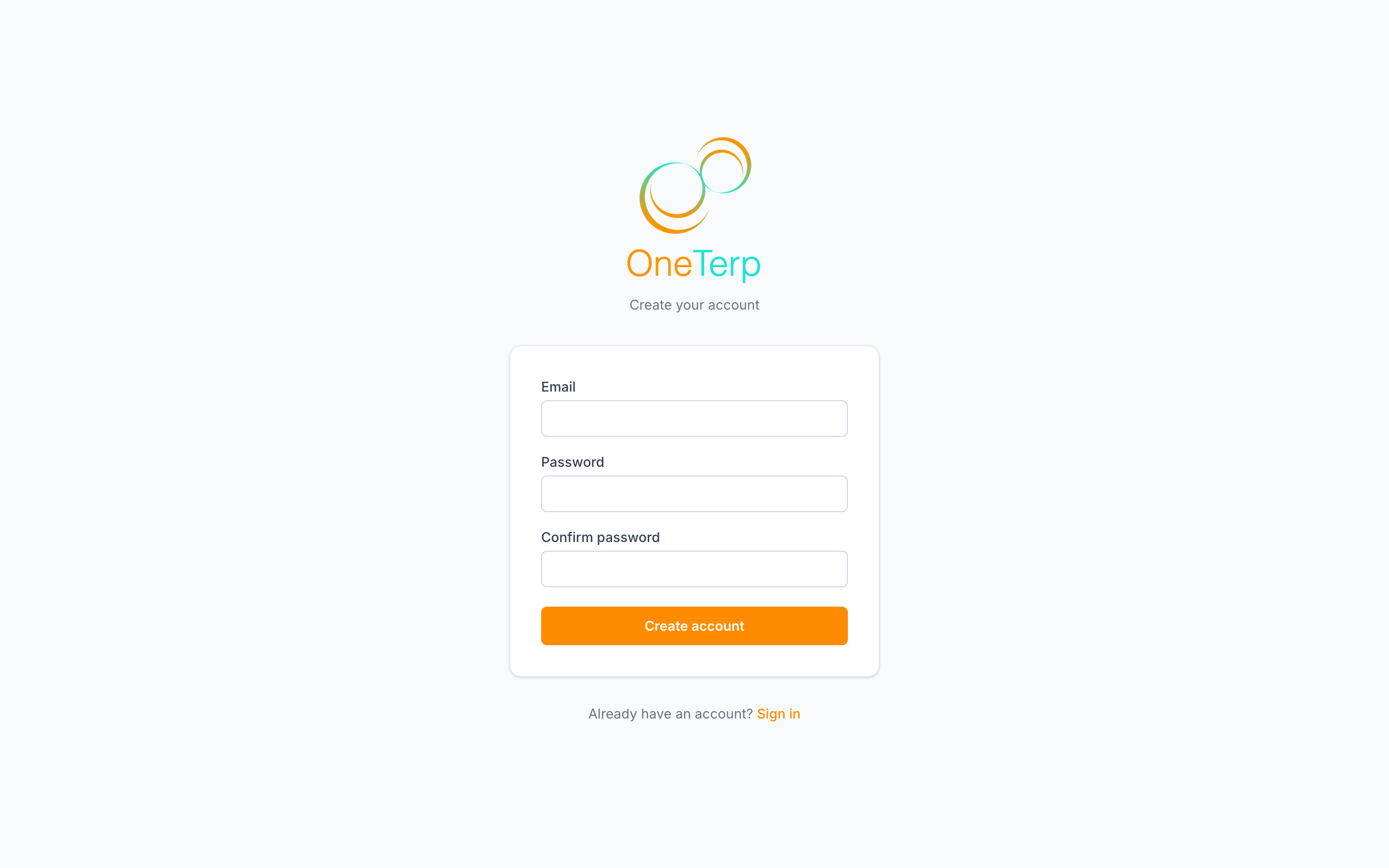
- 1Go to the sign-up page and enter your name, email, and a password, or click "Sign up with Google" or "Sign up with Apple" to use one of those accounts instead.
- 2Submit the form to create your account. If email verification is required, check your inbox and confirm your address.
- 3On the onboarding screen, choose how you'll use OneTerp: Interpreter if you take assignments in the field, Owner if you run an organization, or Office staff if you're joining someone else's agency.
- 4If you're setting up an organization, pick its type. An interpreting agency bills customers and pays interpreters. A school district or government body schedules its own staff in hours rather than dollars, and we review and confirm that choice with you.
- 5If you're an agency owner who also interprets, tick "I also interpret in the field" so both sets of tools are available to you, then choose your "Field Payment Type".
- 6Finish onboarding. Interpreters land on their Home page. Agency owners go straight into a short agency setup instead of the dispatch board, because a few things have to be configured before the board is any use.
Screenshots
Tips
- Signing up with Google or Apple skips the password entirely and counts your email as already verified, you'll still pick your role on the onboarding screen.
- Owners who also interpret can switch between Agency view and Interpreter view from the top of the sidebar.
- New interpreters are walked through a short setup wizard covering your profile basics, logging a first job, logging a first expense, and a tour of the freelance tools. You can leave it and come back.
- New agency owners get their own four-step setup: your name plus the agency's timezone and contact details, connecting the mailbox your agency's email sends from, and the languages you work in with a starting rate for each. Every step is skippable, and you can reopen it later from the waiting screen or finish it from the checklist on your dashboard.
- The agency setup asks for those three things first because each of them is silently broken until it is set. With no sending mailbox, your offers and invoices are not sent even though the job saves. With no rate for a language, the job books and then stops at audit. With no timezone, everything runs on Eastern.
- After the wizard, a small getting-started checklist sits in the corner of the dashboard; each item ticks off as you complete it, and you can minimize or dismiss it any time. A few short emails over your first week point you at the parts people miss.
- The agency checklist works the same way, and it reads your actual data rather than remembering which links you clicked, so a step only ticks once the thing is really there. It covers your sending mailbox, timezone and rates, plus your first customers, your interpreters, and your logo.
- Office staff do not search for an agency. You wait on a welcome screen and join through an invite link the agency sends you, which is also where your permissions get set.
- In the iOS and Android apps you can only sign up as an interpreter. To set up an agency, sign up on the web first, then sign in on your phone.
- New agencies are reviewed by hand before they are switched on, so you will wait on a pending-approval screen for a short while. You do not have to wait idle: that screen links straight into agency setup, so your mailbox, timezone and rates are configured and working the moment we activate you.
- Coming out of an interpreter training program with a OneTerp Launch code? Sign up as an interpreter, and use a personal email address rather than your school one, because your school account gets switched off after you graduate. Your code travels with you through sign-up and turns into a free year of Premium at the end. See the Launch Year article.
Related articles
Still need help?
If this article didn't solve it, submit a ticket and the OneTerp team will follow up.
Contact support